
Owner
Sets the plan, manages seats and closes periods. Usually the person whose business it is.
Give your bookkeeper and your accountant the access they need — and nothing beyond it.
Roles
Roles are enforced at the interface and in the API, not just hidden from the menu.
| Permission | Owner | Bookkeeper | Viewer |
|---|---|---|---|
| Add and edit ledger entries | Yes | Yes | No |
| Issue and amend invoice records | Yes | Yes | No |
| Close or reopen a period | Yes | No | No |
| Manage seats and roles | Yes | No | No |
| Billing and plan changes | Yes | No | No |
| Read reports and exports | Yes | Yes | Yes |
| Export the full ledger | Yes | Yes | Reports only |
Who does what
Sets the plan, manages seats and closes periods. Usually the person whose business it is.
Works the ledger day to day: entries, invoices, matching and exports. Cannot change billing or seats.
Reads reports and exports the summary. Designed for an accountant at year end, or a business partner.
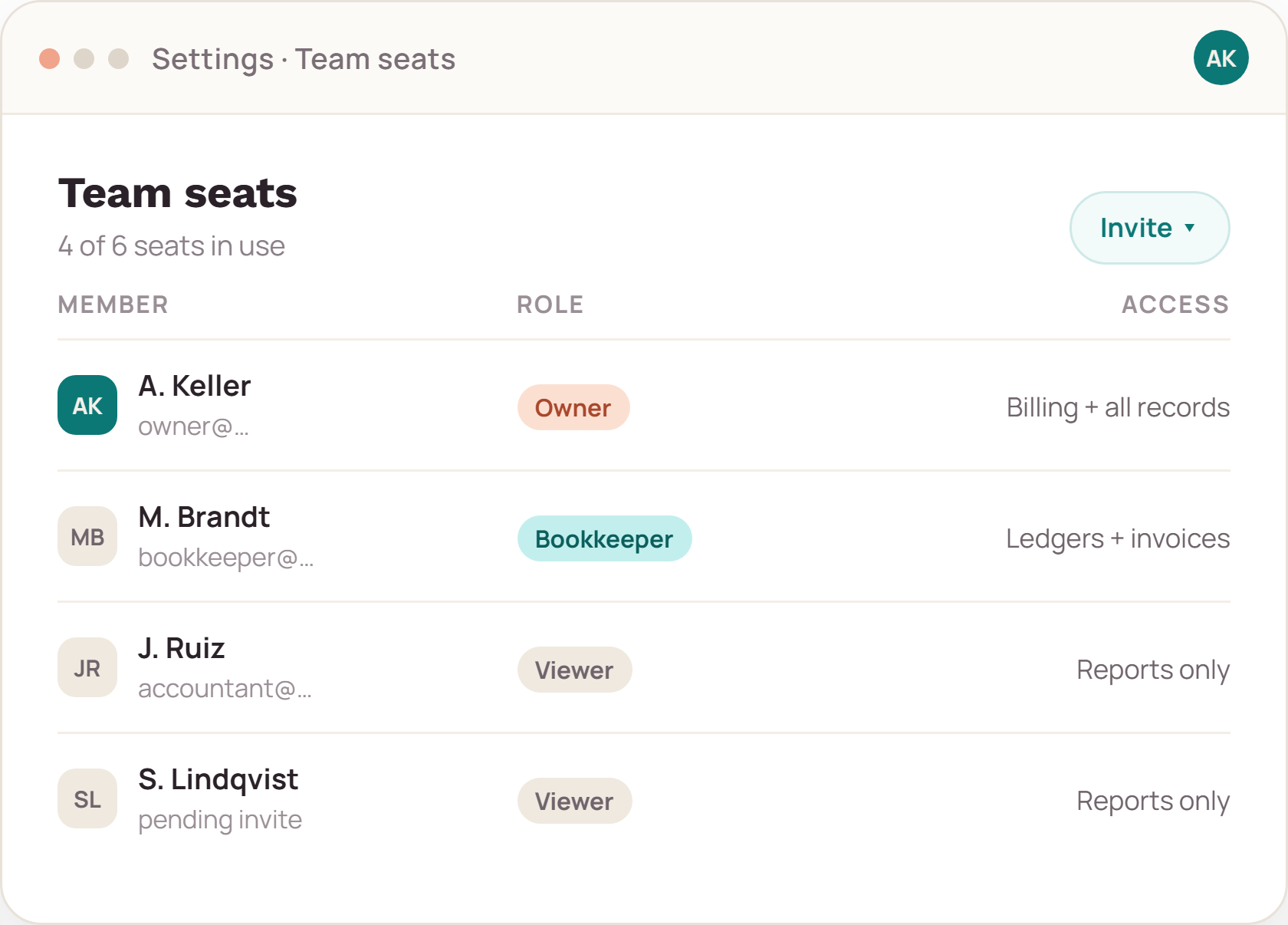
Seat management
Invite by email, assign a role, revoke when the work ends. A revoked seat loses access immediately, and the action is logged with the person who made it.
Collaboration
Invoices waiting on a query, entries waiting on a receipt, periods waiting on review — each sits in one queue that both the business and the bookkeeper can see. Nothing depends on who read which email.

Boundaries
Access control inside the ledger is not a substitute for your own security practice.
Tell us who touches the books today; we will map them to roles before you commit to a plan.