
Profit and loss
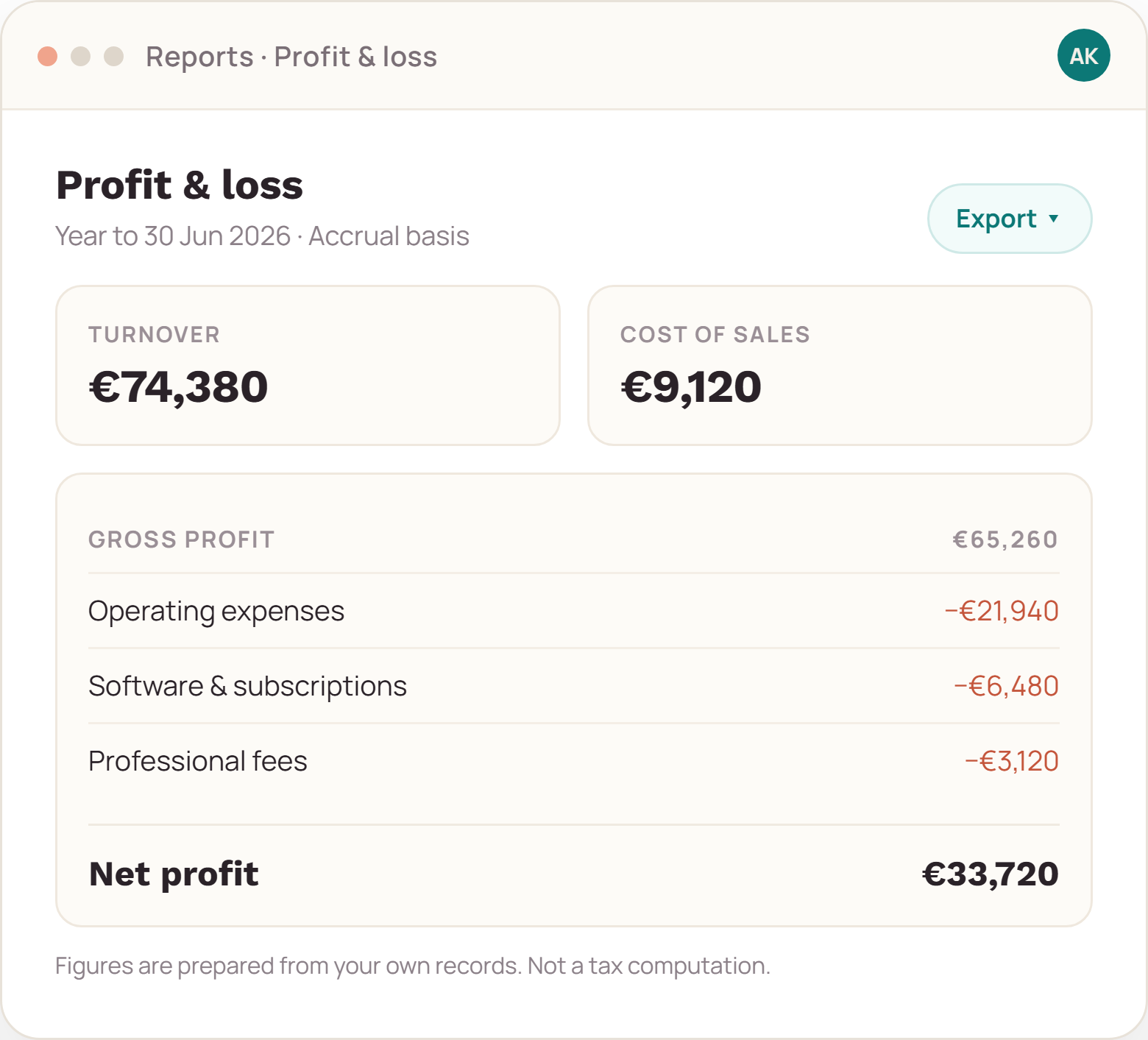
Turnover, cost of sales, expenses and net profit for any date range, accrual or cash basis.
Turn the ledger into the summaries that get filed — and keep the working papers that explain them.
Report set
Reports read the ledger directly. If a figure looks wrong, you can open the entries behind it in one click.
Turnover, cost of sales, expenses and net profit for any date range, accrual or cash basis.
Categories totalled for the period, with drill-down to the underlying entries and receipts.
What is issued, what is paid, what is overdue — by customer and by age band.
Output and input totals by period and rate, ready to check against your return before you file.
How a report is produced
Pick the period and the basis. The report builds from closed and open entries, and marks which is which.
Open any total to see the entries behind it, with attachments and edit history.
CSV for your accountant, PDF for your records, or a filing pack that bundles both with the working papers.
Working papers
A report that cannot be explained is a liability. Each total links to the entries that built it; each entry links to the receipt, the invoice or the bank line it came from.
Scope
FAQ
Yes. Add them as a viewer in the Team edition, or export the filing pack and send it. Viewers can read and export reports but cannot change entries.
Reports produce the totals and the period detail that a submission needs. The submission itself is made by you or your accountant through the filing route you already use; we do not transmit returns.
An owner can reopen the period, make the correction and close it again. Both closes are logged with a timestamp, so the change is visible rather than silent.
Send us the report list your accountant asks for; we will confirm which ones export directly.